 GYM
GYM
Add weight when you've earned it.
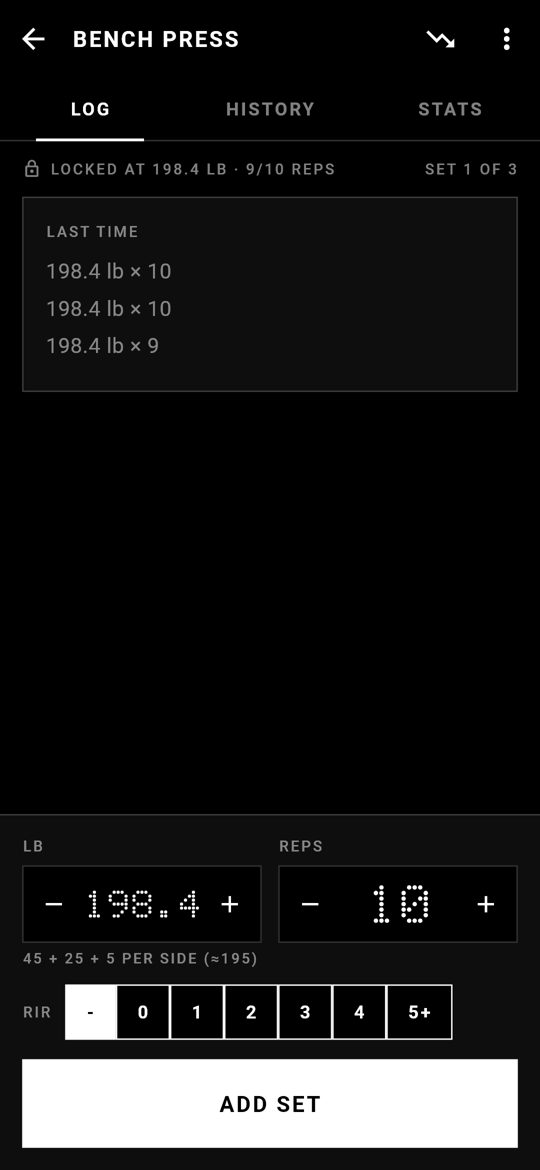
Gym is a free lifting log for Android. You can only go heavier once you've hit your reps at the current weight, and the database itself enforces it. No account and no ads, and it never goes online.
 GYM
GYM
Gym is a free lifting log for Android. You can only go heavier once you've hit your reps at the current weight, and the database itself enforces it. No account and no ads, and it never goes online.
Hit your rep target on every working set, then go heavier, by a sensible jump. You choose the rep target, or turn the lock off.
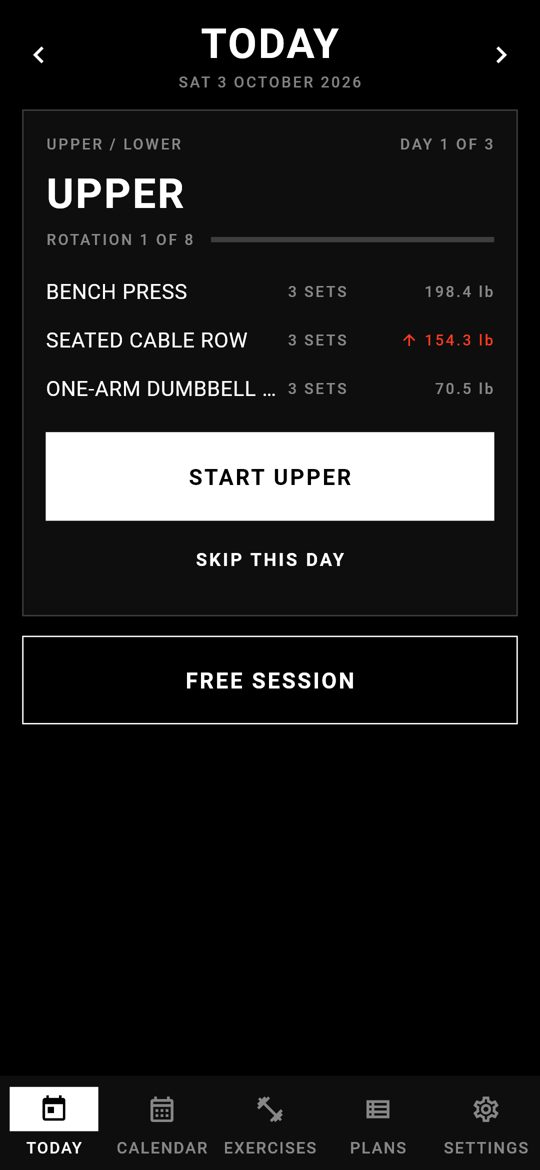
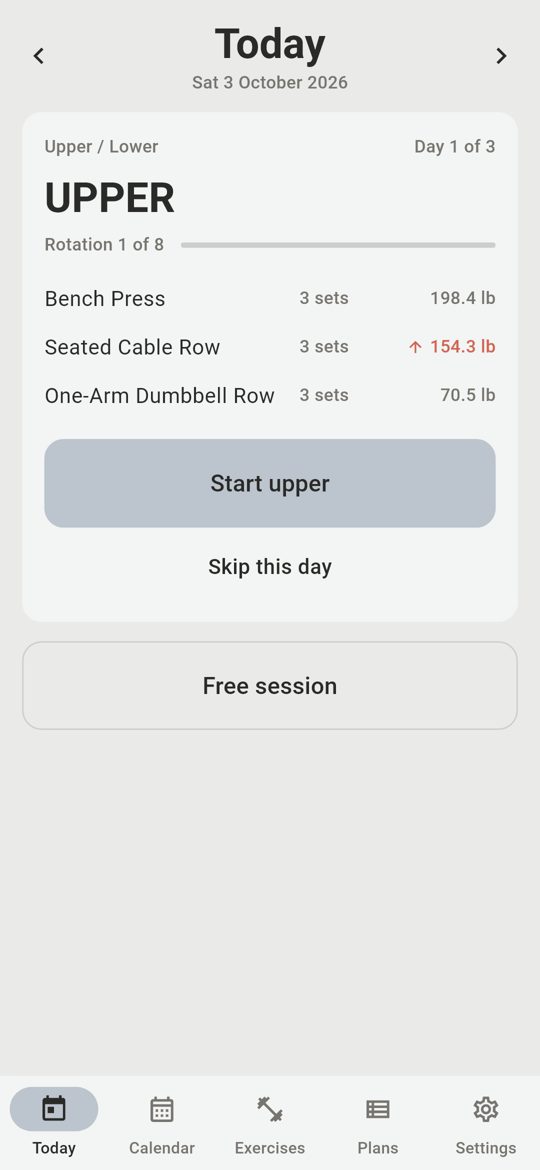
Upper / Lower / Rest, PPL, whatever you run. One plan day per day, with rotation counts and an optional target.
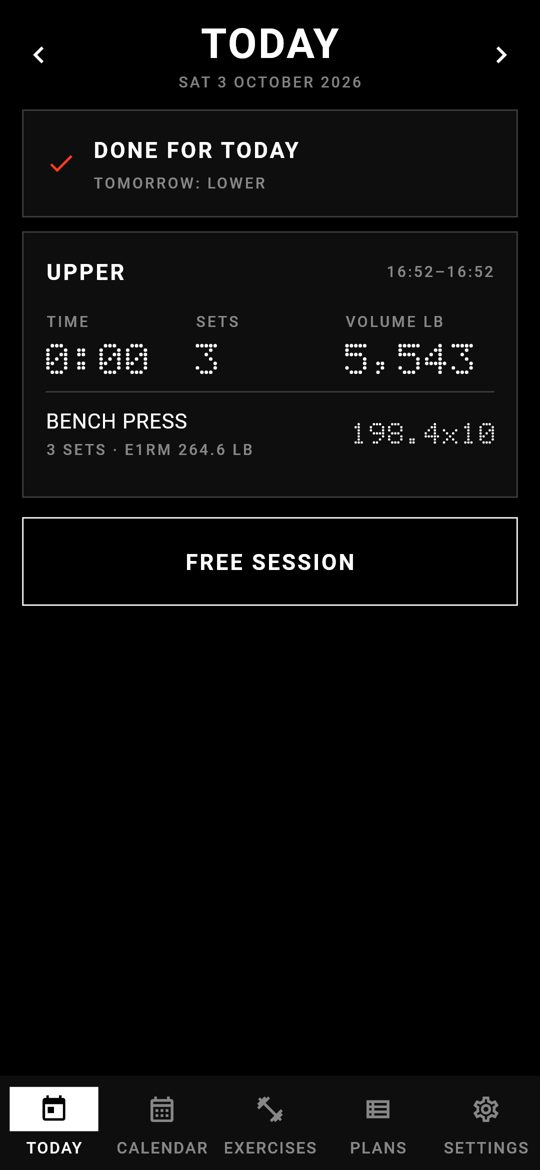
See yesterday's numbers or tomorrow's workout with a swipe. Finished workouts show their time, volume and PRs straight away.
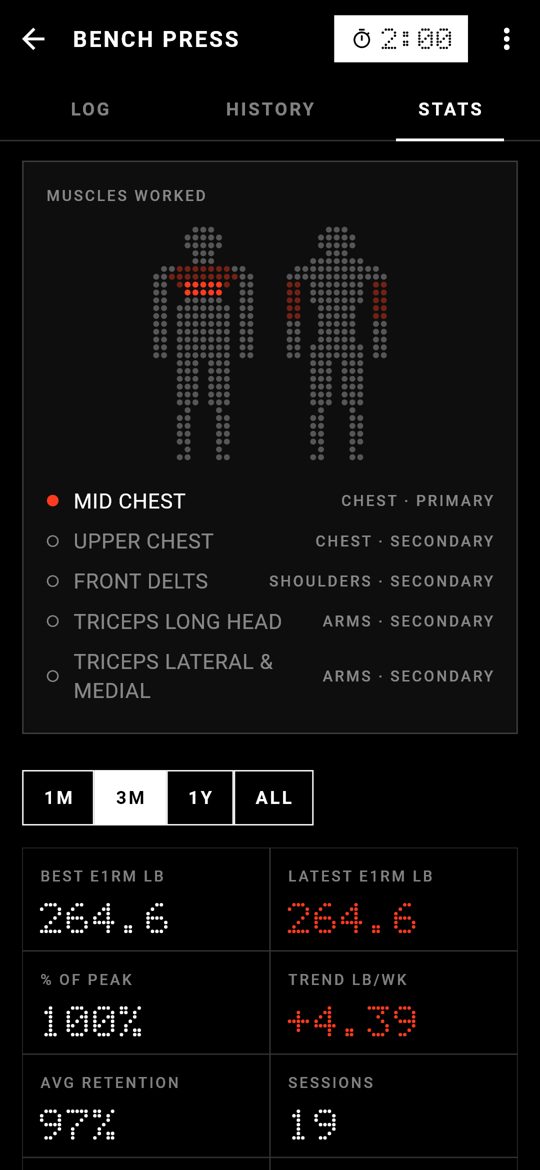
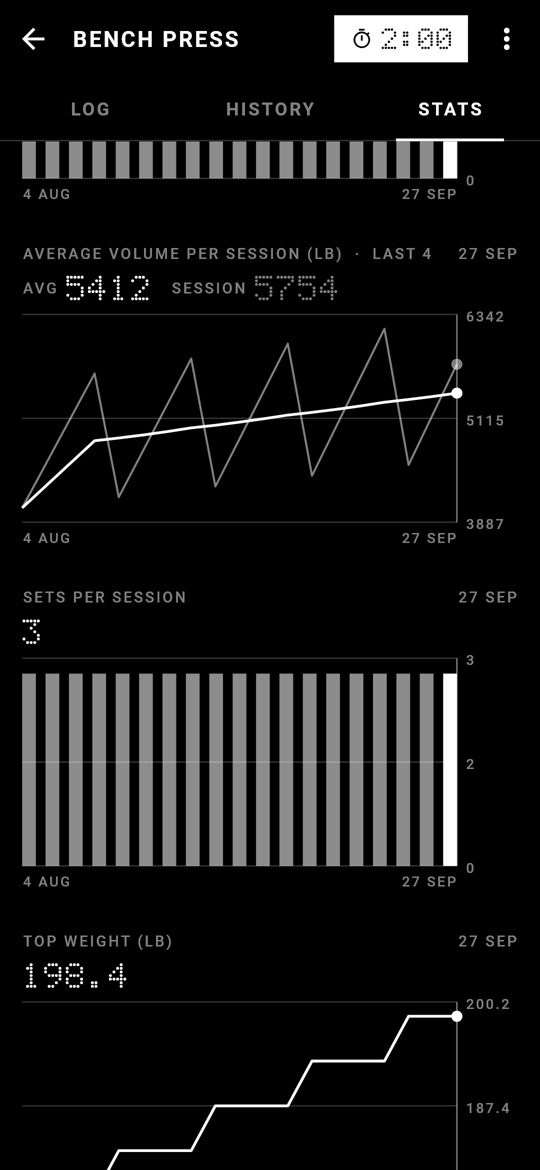
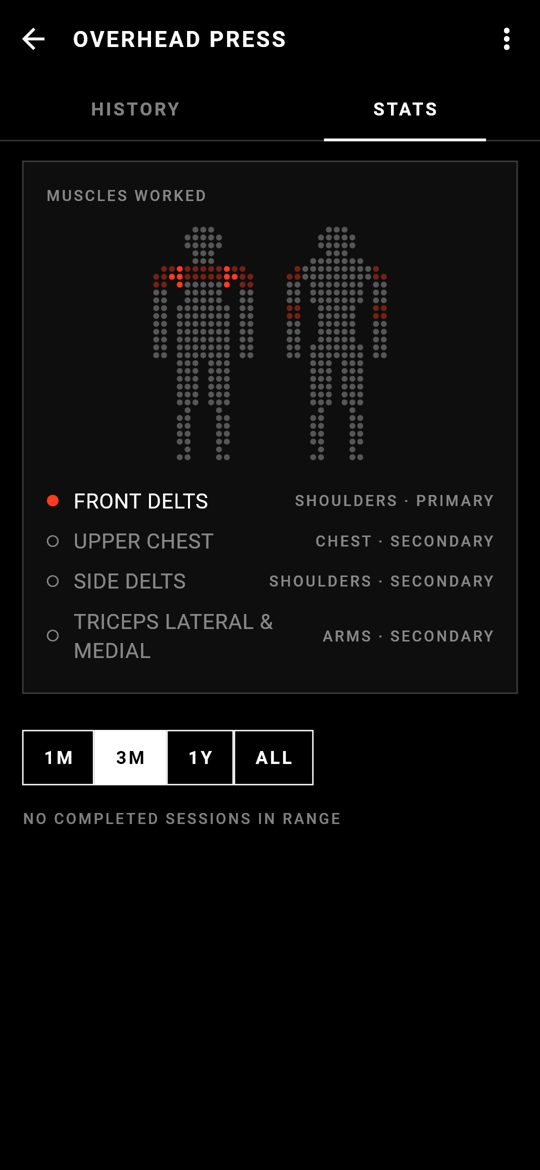
Estimated 1RM, strength retention, volume, sets per session, left vs right. Records are marked automatically.
Rest timer on the lock screen, plate calculator, warm-up ramps, drop sets, setup notes, single-side tracking.
Bold: black and white, dot-matrix numbers. Calm: soft and quiet, for anyone who finds Bold too loud. Dark, light, kg or lb.
Your last session at the top weight decides. If every working set reached the target, the next jump unlocks. If not, you stay at that weight until you own it. No motivational quotes, just the rule.
The rules live in the database as triggers, so they hold whether you log in the app or edit the file yourself.
Accounts. There's nothing to sign up for.
Bytes sent anywhere. The app has no internet permission at all.
Your data is one SQLite file on your phone. Export it, back it up, or open it in Python.